 IMG HD / kingfisher-crop.jpg

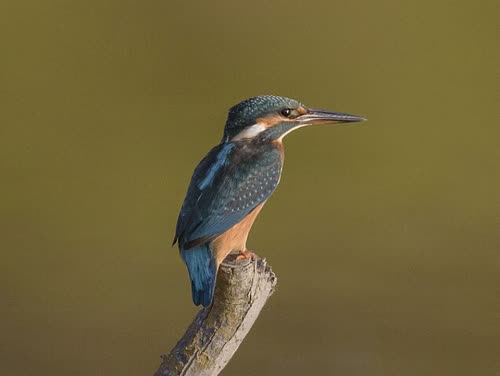
Drop in the blurry photo
Drag a JPG, PNG or WebP file onto the upscaler, paste it, or pick it from your files.
IMG HD rebuilds the detail a small or soft photo lost and gives it back at twice the width and height. Three photos a day are free, no account.
Best on soft, low-resolution photos. JPG, PNG or WebP up to 10 MB.
The upscaler works in the browser. Nothing to install, no account to make.
Drag a JPG, PNG or WebP file onto the upscaler, paste it, or pick it from your files.
It reads the whole photo and draws back edges, fur and texture at twice the size.
Drag the line across the photo to check the result, then save the sharper file.
The model draws back what a small file lost, one edge at a time: fur, feathers, the grain of wood.
Blur has more than one cause. An upscaler fixes the kind that comes from too few pixels. It cannot undo a shaking hand.
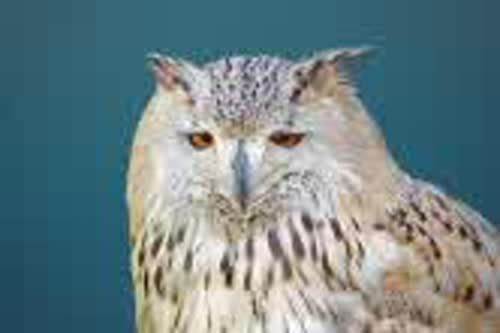
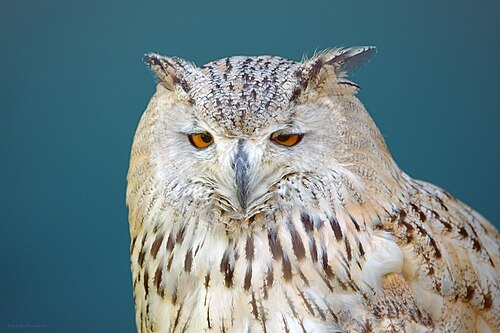
640 pixels wide before, 1,280 after. Each feather gets its own edge back.
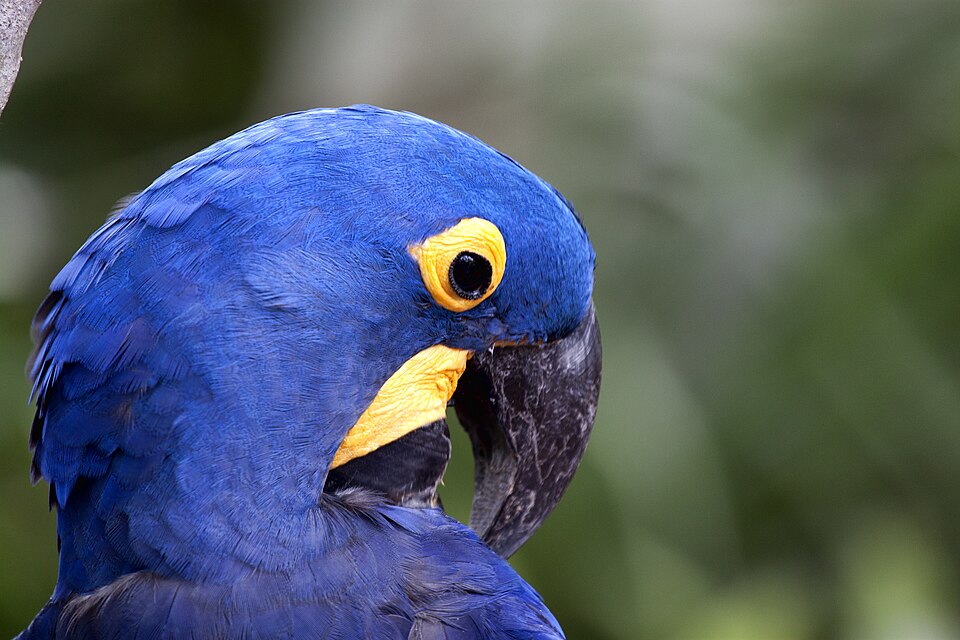
What the AI can fix, what it costs, and what to check.
No. It fixes blur that comes from a small or compressed file. Motion blur and a missed focus stay, because the camera never recorded that detail.
Yes. Three photos a day at 2x in the browser, with no account and no card.
It rebuilds detail by prediction, so a small face can come back slightly different. Check faces and small text before you print or publish.
Twice the width and height. A 2,048-pixel upload comes back at 4,096 pixels on the long side.
No. A sharpen filter adds contrast to the edges a photo has. The upscaler adds pixels and draws back lost detail.